Flappy Rocket
A downloadable game for Windows and Android
PC build does not represent the final version. It has different resolution than my target resolution. However game is perfectly playable on PC.
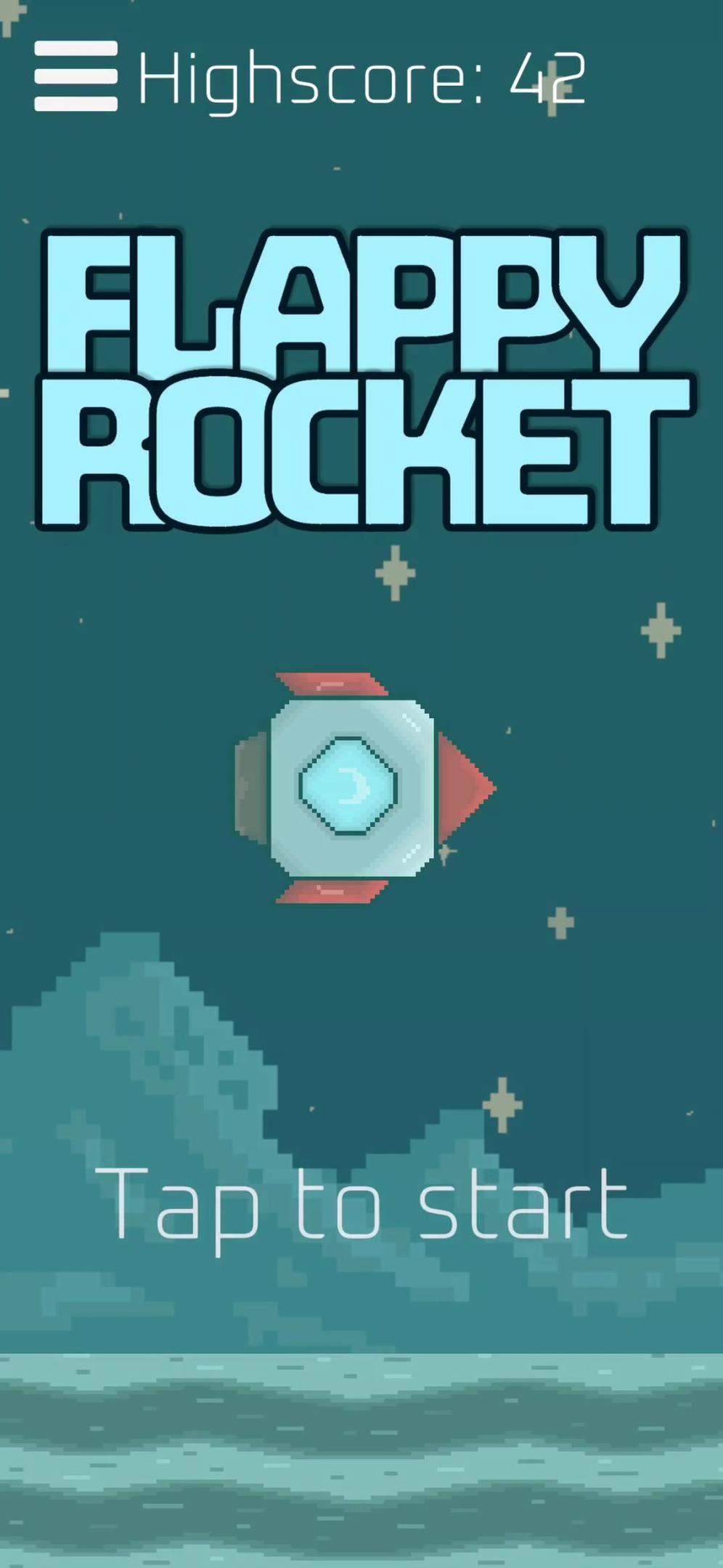
Flappy Rocket is a fast, challenging arcade game where you guide a rocket through tight gaps between obstacles. Sounds familiar?
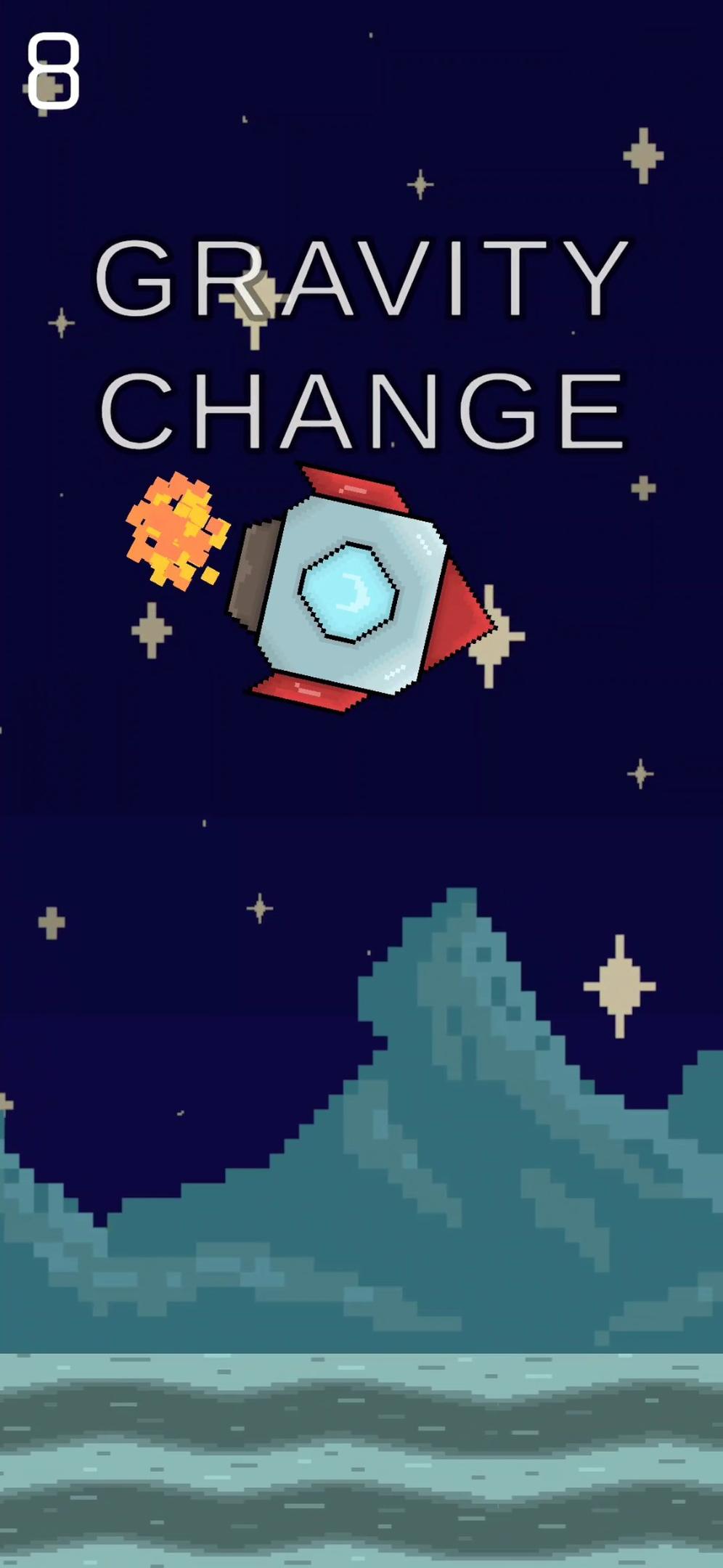
Not so fast - here, gravity changes every 8 points.
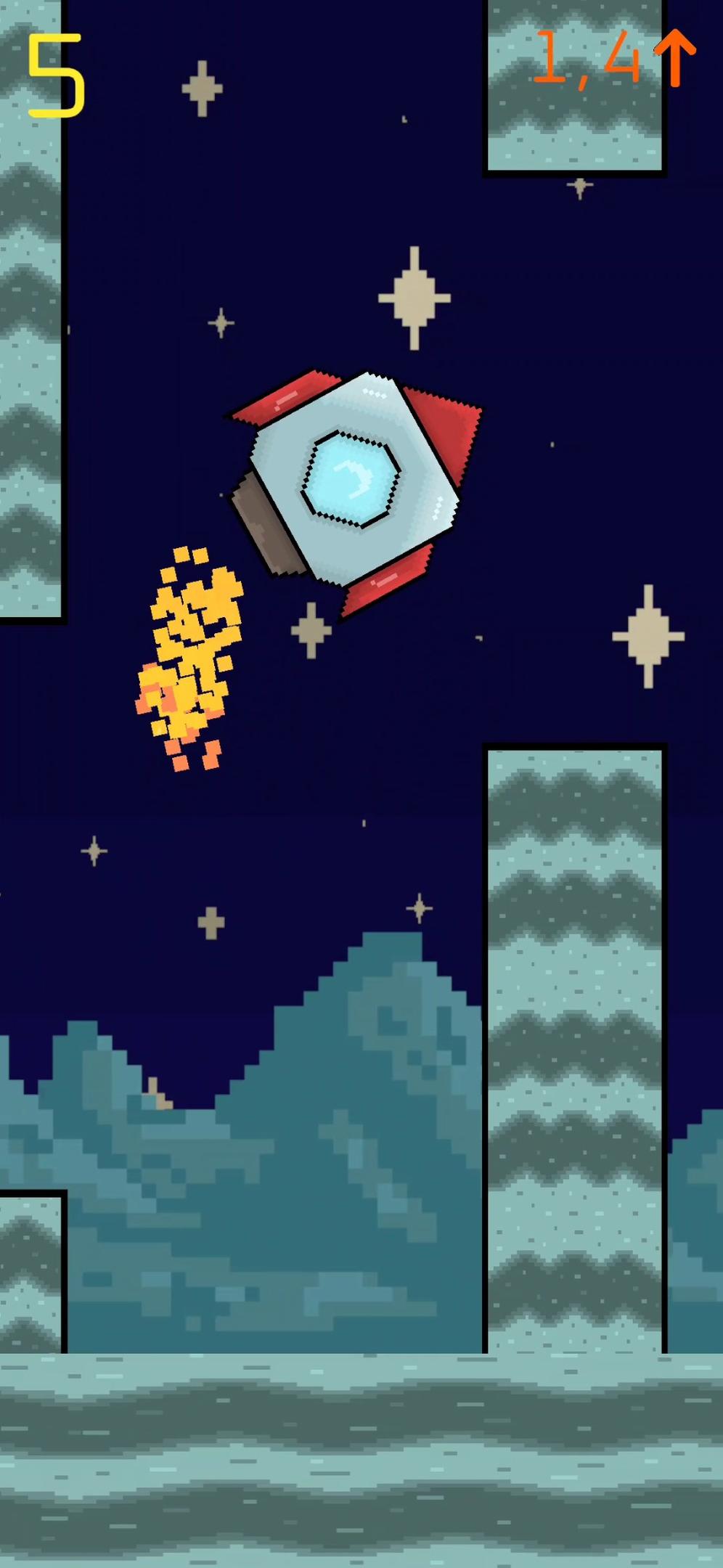
Each gravity shift is clearly telegraphed:
• a pulsing UI,
• a three-step warning (yellow → orange → red),
• and an arrow showing the direction and exact value of the upcoming gravity.
When you hit the threshold, there’s a brief delay (so the game doesn’t kill you instantly), and then the physics flip. Sometimes the rocket feels weightless. Sometimes it drops like a brick. The thrust strength adapts to each gravity level, keeping the game playable — but never predictable.
Features:
- Simple tap-to-fly controls
- Dynamic, randomized gravity every 8 points
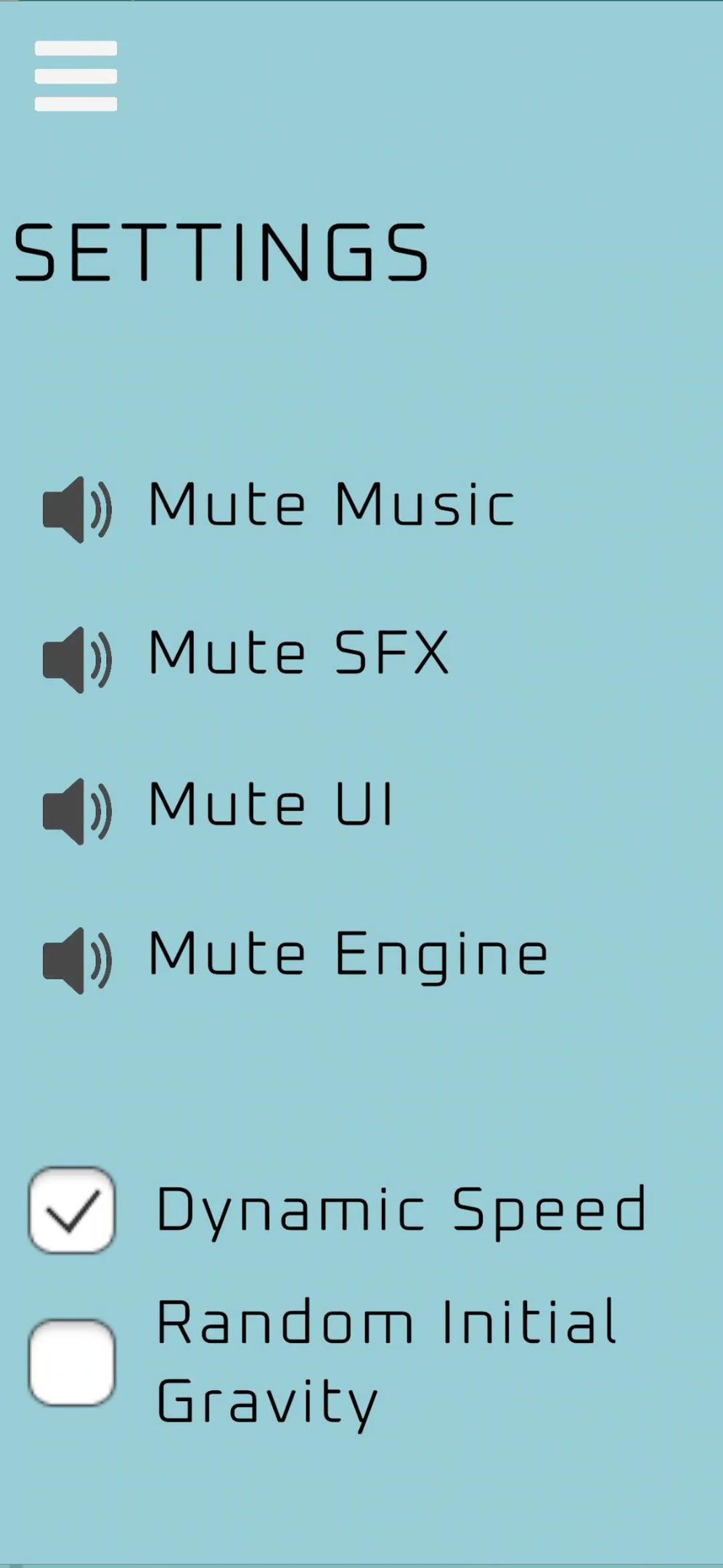
- Dynamic speed scaling
- Clear visual warnings and pulsing UI
- Flash effect when gravity changes
- Procedurally generated ground with seamless tiling
- Minimalist pixel-art look
It’s all about rhythm, adaptation, and that stubborn “one more try” feeling. Can you keep control while the world keeps changing the rules?
Art by: Gabriela Stemplewska
Production, Design and Code by: Jakub Jakubowski
Download
Install instructions
ANDROID INSTALLATION:
- Download the APK file from the game’s itch.io page.
- When the download finishes, tap the file in your notification bar or open it from your Downloads folder.
- Your phone may show a warning about installing apps from unknown sources.
- Tap Settings
- Enable Install unknown apps for the browser or file manager you are using
- Go back to the installer
- Tap Install.
- Once the installation is done, tap Open to launch the game.
- If your phone blocks the install, restart the installation from Downloads again — Android sometimes needs one refresh after permissions are granted.
Note:
The game does not require internet access and does not collect any data.
WINDOWS INSTALLATION:
- Download the ZIP file from the itch.io page.
- Right–click the file and select “Extract All…” (Windows built-in extractor works fine).
- Choose where you want the folder to be extracted and click Extract.
- Open the extracted folder — you should see:
- FlappyRocket.exe
- FlappyRocket_Data
- UnityPlayer.dll
- Double-click FlappyRocket.exe to start the game.
- If Windows shows a SmartScreen warning:
- Click More info
- Click Run anyway
- Enjoy the game!
- To close the game use ALT + F4
Development log
- Update 1.09Dec 13, 2025
- Update 1.08Dec 10, 2025
- Update 1.07Dec 10, 2025
- Update 1.06Dec 10, 2025
- Update 1.05Dec 09, 2025
- Update 1.04Dec 09, 2025
- Update 1.03Dec 09, 2025
- Update 1.01Dec 09, 2025
Leave a comment
Log in with itch.io to leave a comment.